When a business moves to a new web designer, the old provider often still holds the working parts of the site. The domain sits in their registrar account, the hosting is billed to them, and they are the only administrator in the content management system. Ending the contract does not move any of that to you. When switching web designers, get every login and file into your own hands and test each one before you give notice, while the outgoing designer is still under contract and answering emails.
1. Start with the contract and a list of what exists

Check what your current agreement says about who owns the design, the code and the content once the work is paid for, and whether a notice period applies. If the contract says nothing on ownership, ask the designer in writing what they will hand over and in what form.
Then list every account and file the site depends on: domain, DNS, hosting, the CMS, backups, design files, paid licences and the third-party tools covered below. That list becomes the handover checklist you work through with both designers.
2. Whose name is on the domain registration
Whoever controls the domain controls where your web address points. Find out:
- Which registrar holds the domain (for a .sg address, SGNIC runs the registry and the domain is registered through one of its accredited registrars)
- Whose name and organisation appear as the registrant, the legal holder of the domain
- Which email address receives renewal and transfer notices
- Whether two-factor authentication on the registrar account goes to a phone or inbox your business controls
- The renewal date
If the domain sits in the agency’s own account, ask them to move it into an account in your business’s name or to start a transfer to a registrar you choose. A business can pay the renewal invoices for years without being the registrant, so check the registration record itself.
3. Where your DNS is managed
DNS is the set of records that tells the internet where your website and email are hosted. It is often managed away from the registrar, at the hosting company or at a separate service such as Cloudflare. Ask where your DNS is managed and get your own login to it. Business email depends on these records as well, so a careless change during the switch can interrupt mail along with the website.
4. Moving the hosting account into your business’s name
For a self-hosted site, which includes most WordPress builds, the hosting account holds the website files and usually the database. Ask for the provider’s name and either ownership of the existing account or a move to an account your business opens. Before anything is cancelled, confirm you have:
- The hosting control panel login
- Server or SFTP details, if the new designer will work on the files directly
- Database access
- The renewal date and who pays it
- Where backups are stored and how far back they go
If the site lives on the outgoing designer’s own server, it will have to move. Our website migration checklist covers the move itself.
Hosted platforms work differently. On Shopify, there are no server files to download, because Shopify is the host. What changes hands is ownership of the store account, which Shopify handles through its own store ownership transfer. That transfer is what to ask for.

The iClickers were in action at the IMDA’s SME Go Digital event held at Suntec City on 13 Oct 2026.
5. Your own administrator login in the CMS
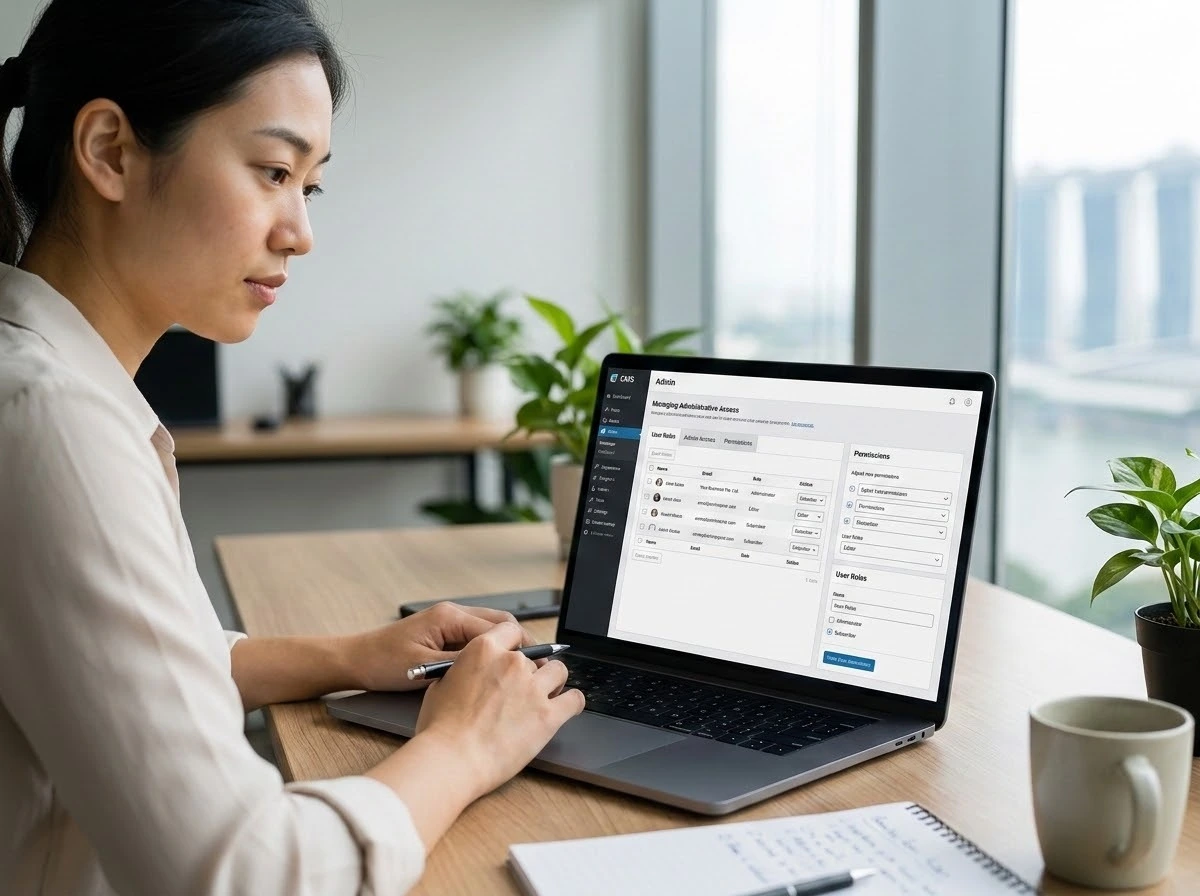
On a WordPress site, sign in with an account in your business’s name that has the Administrator role. Check that it can add and remove users, change settings, and install or update plugins. If the outgoing designer is the only administrator, have them create that account for you now. Once yours works, their account can be removed or downgraded on the day the handover is complete.
6. A full backup of the files and database
Ask for a complete, recent backup and check what is inside it. Depending on how the site was built, it should include:
- The theme or template, including any child theme
- Custom code the designer wrote
- A list of plugins or extensions and their versions
- Configuration files
- The database export
- The media library: images, PDFs and video
Much of what makes a website run never appears on the page, so a copy of what visitors see is no substitute. Ask your new designer to confirm the backup restores cleanly before the old provider steps away.
7. Design files and paid licences you can keep
If the site was designed in Figma, Adobe XD or a similar tool, ask for the editable source files, the wireframes and the exported brand assets. With them, your next designer can change a page layout from the original design instead of rebuilding it from screenshots.
Licences need their own conversation. Premium themes, paid plugins, stock photos and web fonts are often bought under the designer’s account, and the licence may end with the relationship. Plugin updates then stop, and an image or font may no longer be cleared for your use. For each paid item, ask whose account holds the licence, whether it can be transferred, and what buying it in your own name would cost if it cannot.
8. Connected accounts your business should own
Every service attached to the website should be owned by your business, with designers added as users you can remove later.
| Services | What to check |
|---|---|
| Google Analytics (GA4) | Your business account has the Administrator role on the property |
| Google Search Console | Your business is a verified Owner; Full users cannot add or remove other users |
| Business email (Google Workspace, Microsoft 365) | The admin account and billing are in your business’s name |
| Contact forms and email marketing tools | Who owns each account, and which inbox receives form submissions |
| SSL certificate | Whether it renews automatically through the host or was bought separately, and its expiry date |
| Payment gateway | The merchant account is in your business’s name, and API keys are replaced once the switch is done |
Test every login before you end the old arrangement
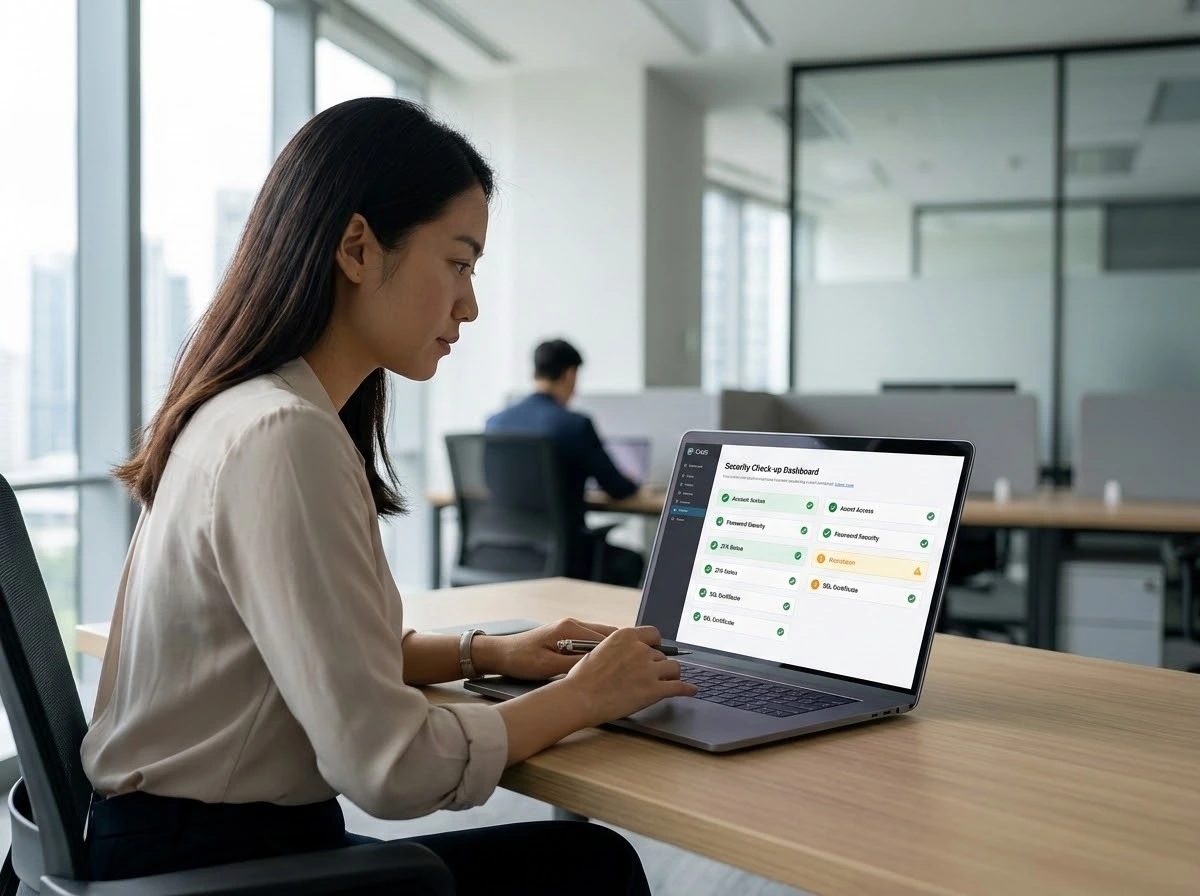
A list of usernames and passwords proves nothing until someone signs in with it. Log in to each account yourself, change the password, and check that the recovery email and phone number belong to your business. Then ask the new designer to confirm in writing that they have the access and files they need.
End the contract or let the old hosting lapse only after both checks pass.
If you are planning to move an existing website to Singapore Web Designer, bring the completed handover list to your first consultation. It shows the new team what is already in your hands and what still has to be recovered, which shapes the scope of the project from the start.